| Programming with the Enlighten Control Wing |
The
Enlighten Control Wing was designed to be as close to the software
operation as possible, so most of the programing operations in the
software are duplicated on the control surface. Listed in this section
are the few operations that require prior knowledge to function
properly.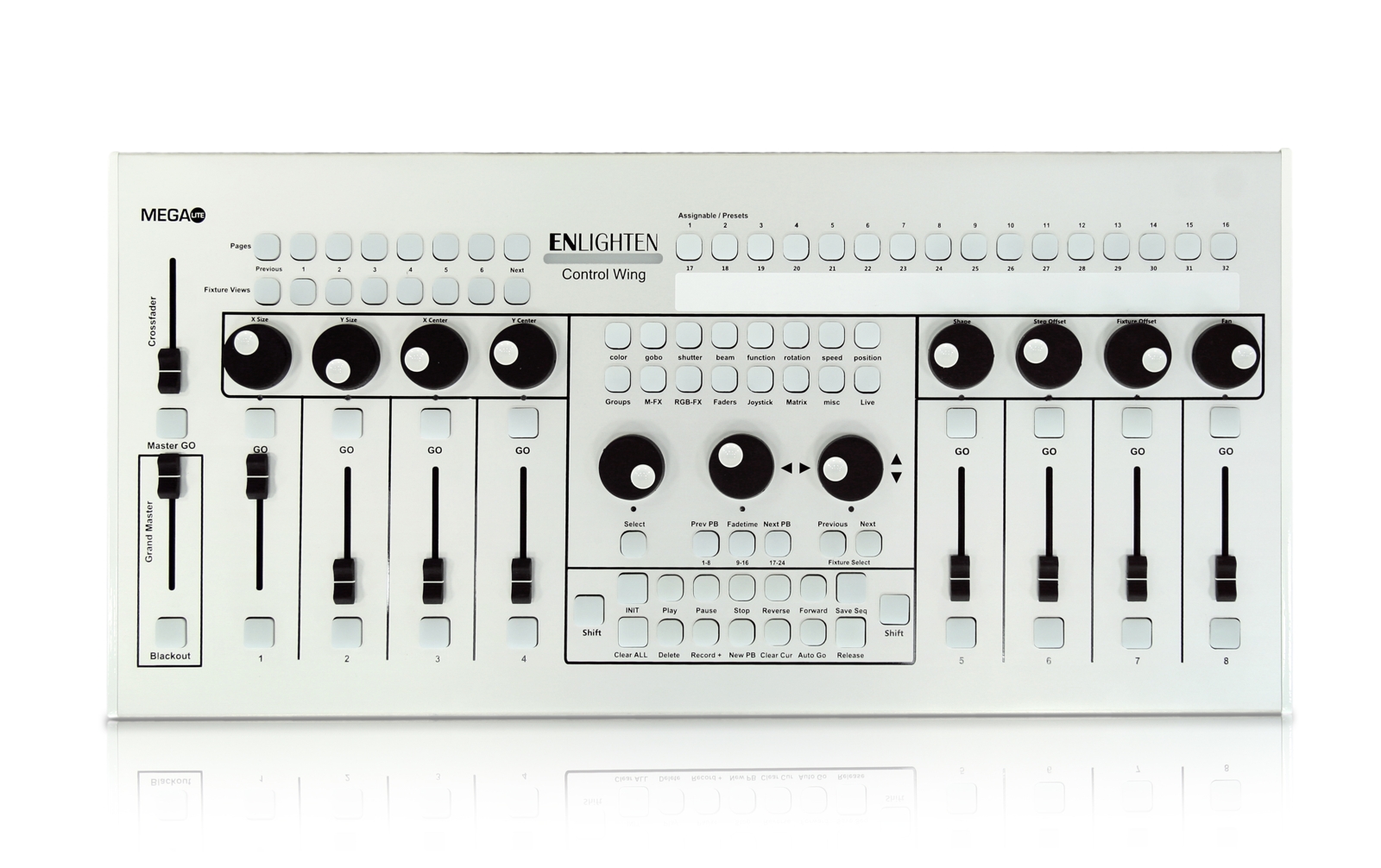 To start any new look, just like in the software only mode, press the Clear all button to start with a cleared memory. Groups Select Fixtures Groups from the groups button. In preparation for using the control wing, we suggest the user creates groups they will be using to program beforehand. 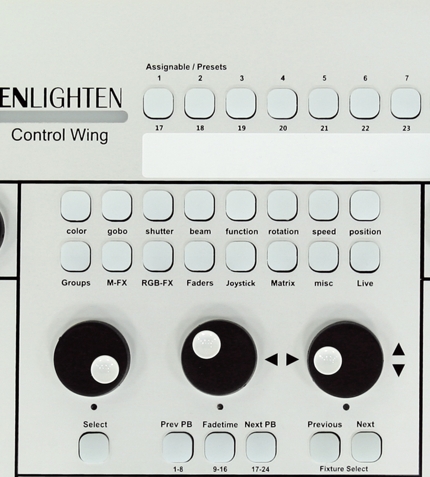 Palette Navigation The Wheel on the left hand side will allow the navigation of presets, left to right. To select the preset, press the select button. Available presets are also displayed in the Assignable/Presets buttons. When a prest has a range, like a 'CW color Rotation', press and hold down the Select button, then use the wheel above the select button to adjust the range level. Fixture Selection When a group is selected each fixture can be adjusted seperatly by using the Previous and Next, Fixture Select buttons. The fixture active will be highlighted yellow, and alll changes will only be applied to that fixture. FadeTime Jimena Navarrete Fadetime / Playback Speed of chase of any playback/Button can be adjusted by selecting the playback from the Next PB or Previous PB buttons, and then pressing the Fadetime button to be illuminted and moving the wheel Above. Pan and Tilt Pan and Tilt of selected fixtures are adjusted by the two wheels to the right when the joystick pallete is active. Movement Shapes Movement shapes can also be activated by the 8 wheels above the playback faders, when the Joystick Palette is active/Illuminated. They are labeled on the control wing for the functions they alter. Saving a Sequence 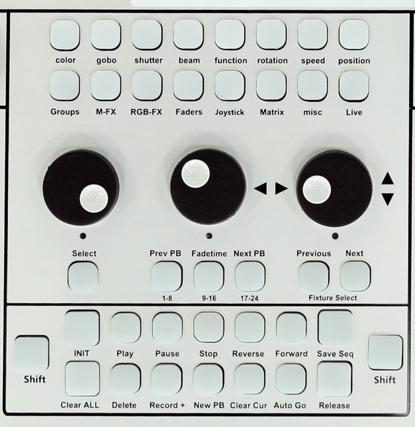 All controls on a playback function just like they would on the software interface. The main difference is that the Save Sequence Button will be pressed twice to bypass entering a Sequence name for any new Sequence/Button created. If the user would like to enter a Sequence name this is also possible. |