| How to Create a Multi Button |
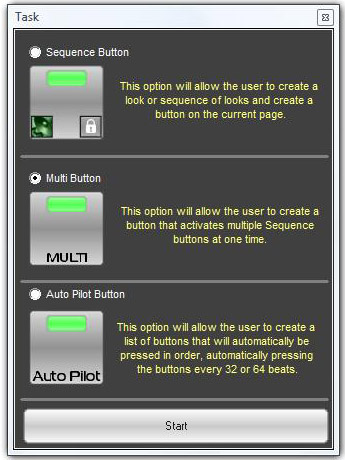
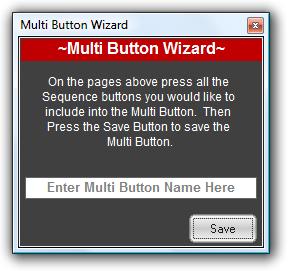
Multi Buttons allow you to use several sequence buttons at once with one button. This type of button is useful when several looks or different fixtures need to be recalled at the same time. For instance, The user can create a LED look button, a moving head button, and a scanner button and recall all of them with one button, the Multi Button. The easiest way to create a Multi button is to use the Button Creation Wizard. Right Click anywhere in the Playback Window and select Create New Button. Select Multi Button and follow the Wizard instructions.
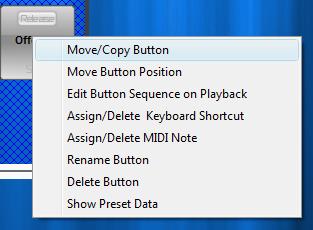
Like the sequence button, Multi Buttons can be placed into groups and can also be renamed, copied to other pages, and assigned keyboard or MIDI shortcuts.
|